 Billkeep
The same books, in your pocket
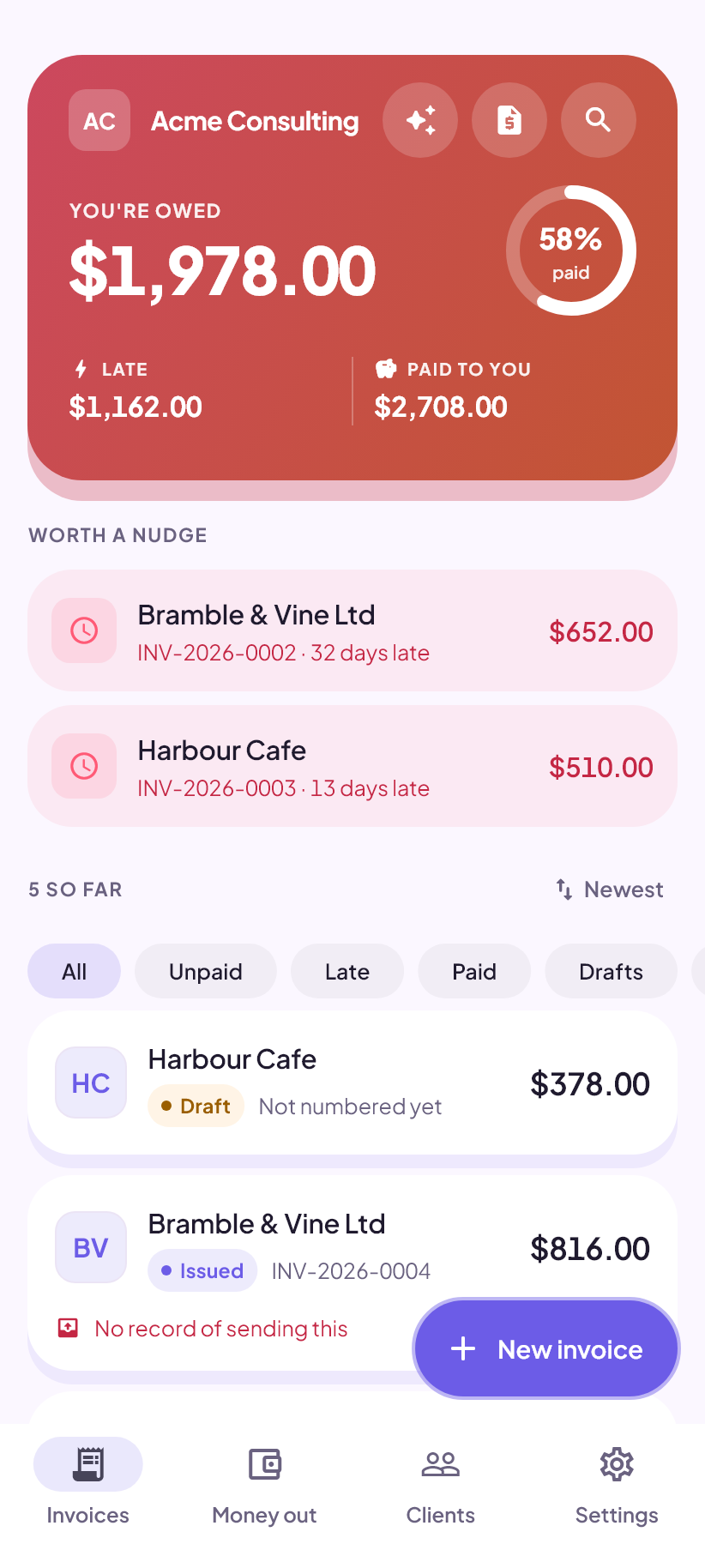
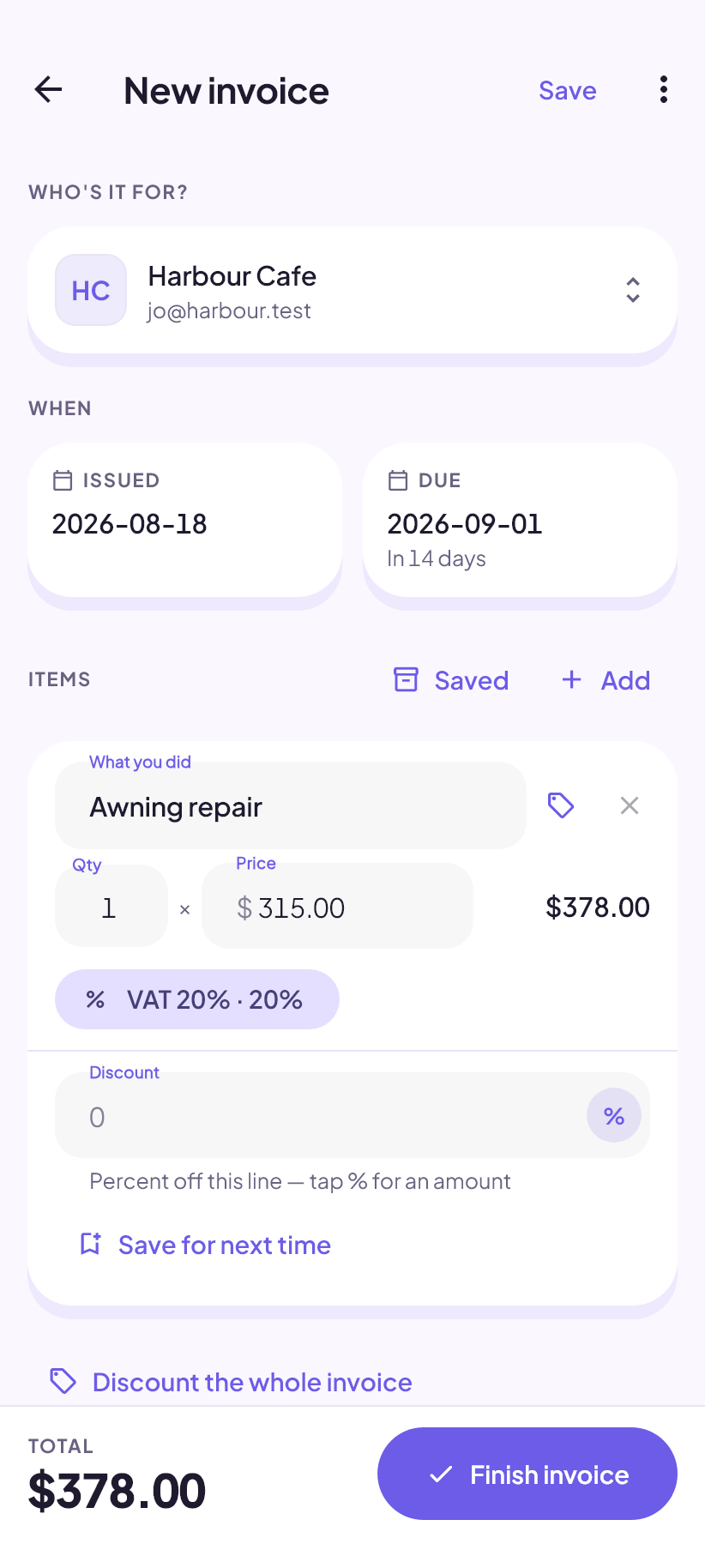
The phone version came first, and it is where the things that need a phone live: a camera pointed at a receipt, a microphone for dictating an invoice on the way back from a job, and a renderer that makes the PDF itself rather than borrowing the browser's.
One account for both. Sign in on the phone and your books are already there.
What the phone adds
Everything the browser version does, plus the things that only make sense with a device in your hand.
Receipts, photographed
Camera first, gallery second — the moment a receipt is worth keeping is the moment it is in your hand at a counter. The photo is copied into the app's own storage before the record is written, so a cleared cache cannot take it.
Money out, not just money in
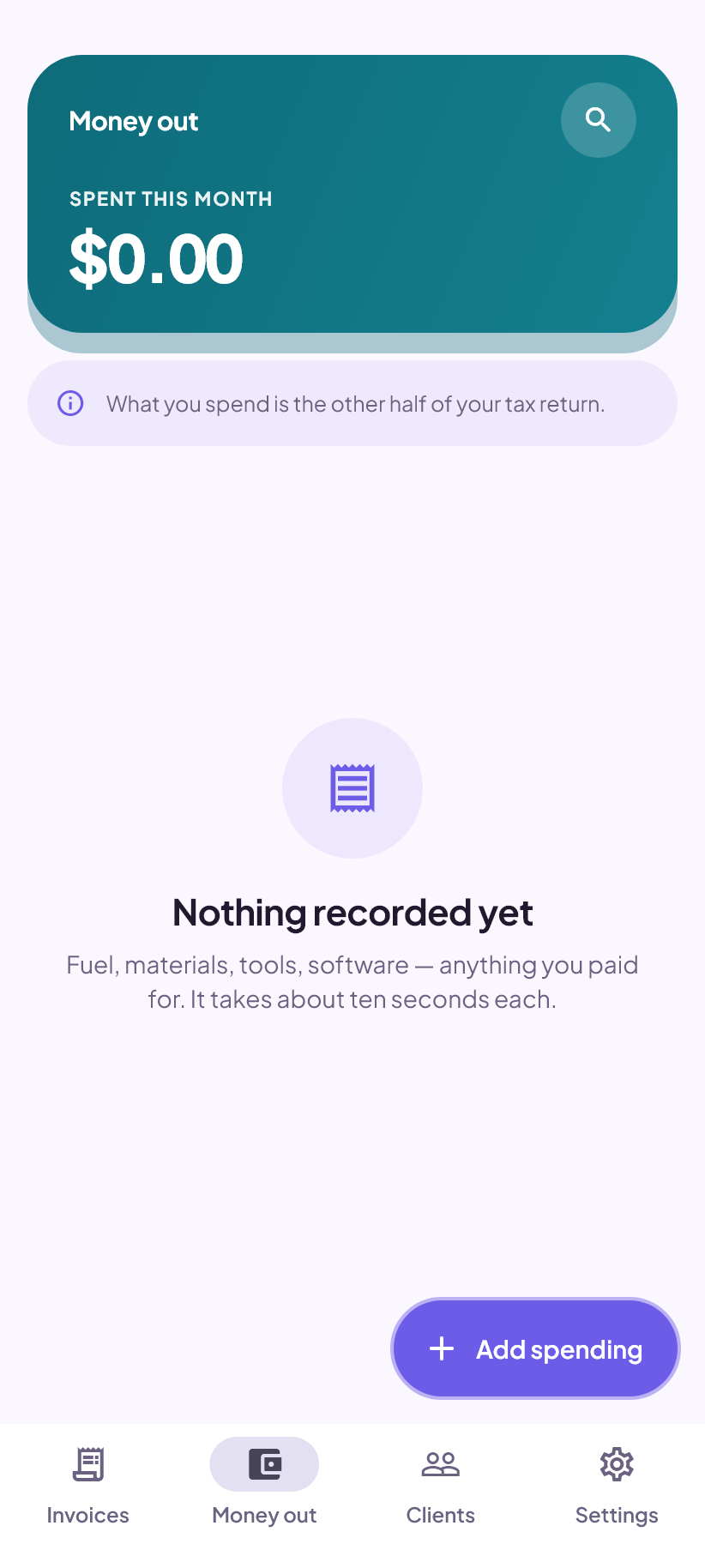
Expenses with the tax taken out of what the receipt says, because nobody at a petrol pump works backwards to a net figure. It runs through the same engine invoices use, so the two sides of a return cannot disagree about rounding.
A statement of account
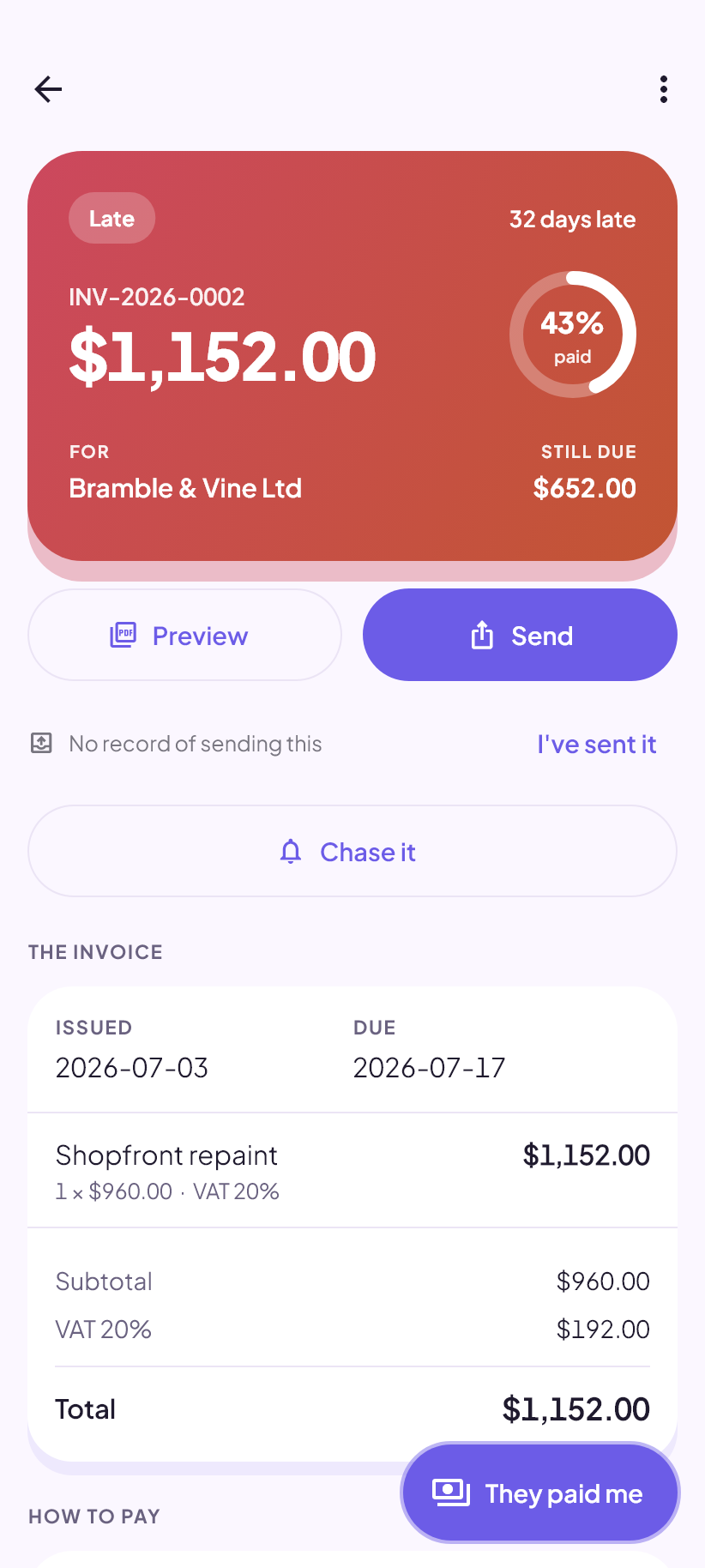
For the client sitting on four unpaid invoices, where sending another copy of one of them just invites “which one?”. Oldest first, credit notes taken off, and the date it was true printed large.
Sharing straight into a chat
The system share sheet, so a finished invoice goes into WhatsApp, Signal, SMS or mail in one step, and the app records that you sent it. Reminders are written for you on both — the phone just has somewhere better to send them from.
Dictating an invoice
Say what you did and who for, and a draft appears for you to check. The speech is recognised on the device — the audio never leaves the phone, only the words. It is off until you switch it on, and the screen that switches it on says exactly what is sent.
Its own PDF renderer
The phone draws the document itself rather than going through a print dialogue, with the fonts bundled in the app. What you see is what arrives, on any phone.
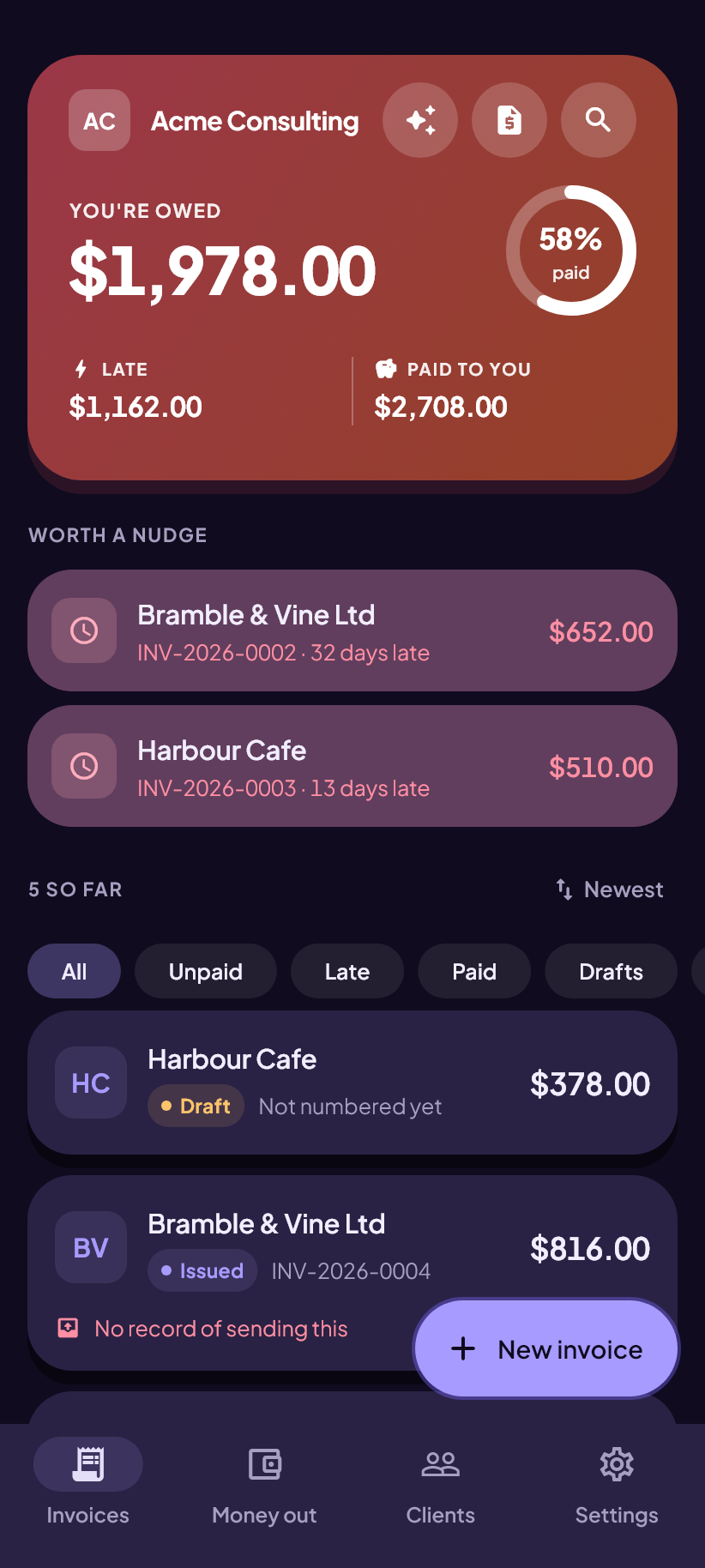
Phone and browser, one set of books
Sign in on both and they hold the same records, in the same format, seconds apart. There is nothing to switch on. A backup file written on one still restores on the other.
- The same document format, the same table names, the same numbers.
- Invoice numbers are claimed against your cloud copy, so two devices cannot take the same one.
- An issued invoice is frozen, so the two can never hold different versions of one.
- Nothing you delete comes back, on either device.
Until it is on Play, the browser version is the whole app
Same records, same documents, same rules. When the Android app lands, signing in brings your books across.